- LOGIN
Your receipt is emailed to you after registration, and you can also access your receipt at https://keeplearning.uidaho.edu by clicking Login then Student Login.
If you need help logging in, please see our login help.

- ACCESS YOUR ACCOUNT HISTORY
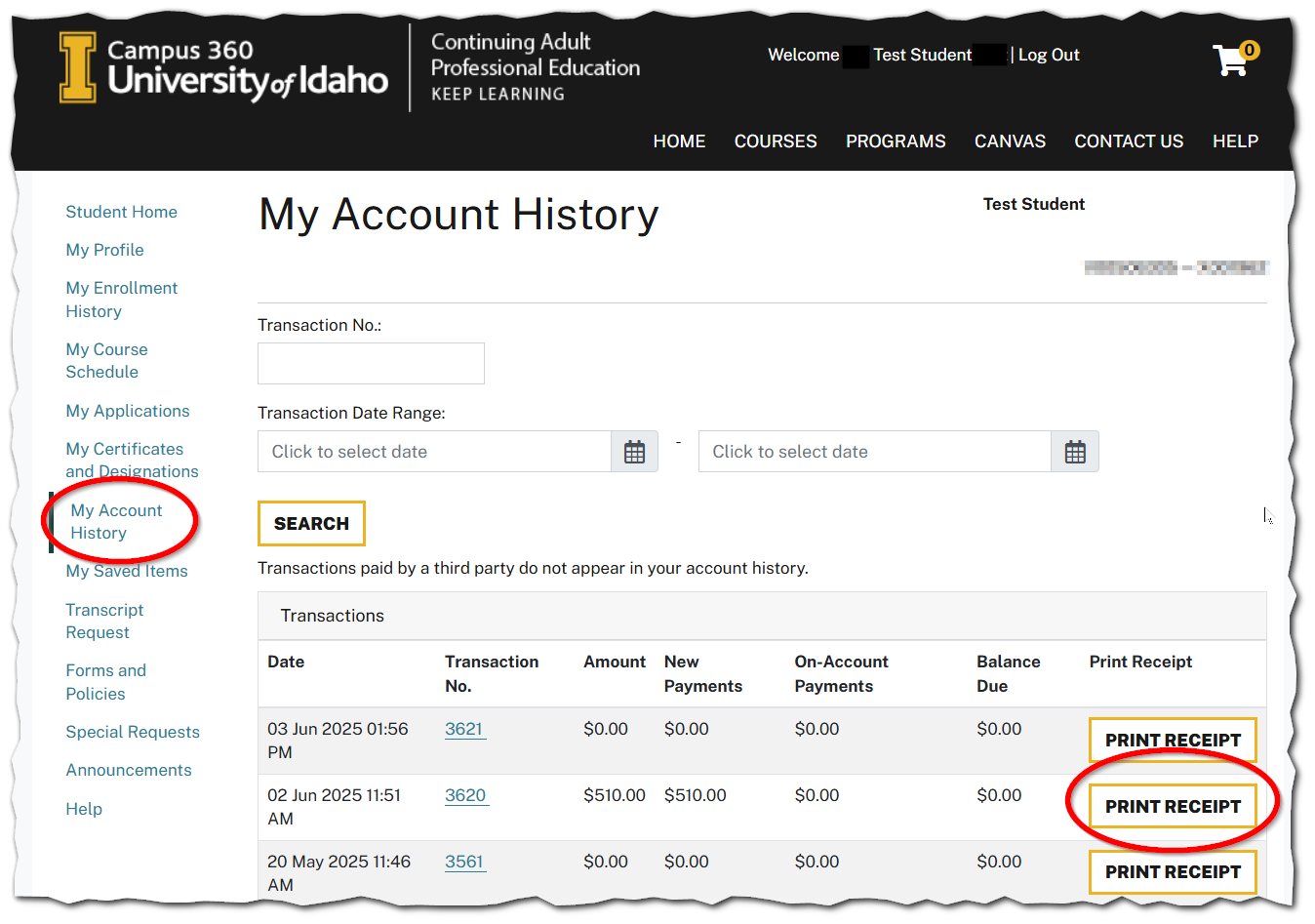
Once you have logged in, click on My Account History. From there you can print a receipt.
Note: You should receive an email outlining any decision, as well as any refunds.